Try Text-to-SQL on Real Data - Multi-Million Rows & GB+ Sizes
Published: December 5, 2025
Two Clicks. Zero Setup. No Database, No Server, No Login needed. With 9 LLM options, Python & SQL to torture your data till it confesses.
App live here: www.tigzig.com/analyzer
Related Post: Large File Upload for Database AI Text-to-SQL Apps: A Practical Guide
What's New
I've enhanced the sample datasets in my Database AI app (DATS-4). Previously, the test files were tiny, 50-60 rows. Now there's a full range: 64 rows to 11.8 million rows. File sizes from 14 KB to 1.6 GB.
For the 1.6 GB file, setup takes around 9 minutes. Fully automated: database creation, file upload, agent ready.
The Datasets
- RBI Cards & ATM Statistics: 14 KB, 64 rows. July 2025 data covering 60-70 banks.
- Tour de France - Riders History: 974 KB, 10K rows. Race rankings from 1903 to 2025. Over 120 years of cycling history.
- IPL - Indian Premier League: 41 MB, 278K rows. Ball-by-ball data from 2003 to Sep 2025.
- ODI - One Day International: 206 MB, 1.6 million rows. Ball-by-ball records, 2003 to Sep 2025.
- Cricket Combined (ODI, T20, County, IPL): 697 MB, 5.2 million rows. 2003 to Sep 2025.
- Cricket Extended (all formats including Test, T20 Blast): 1.6 GB, 11.8 million rows. 2003 to Sep 2025.
Two Clicks to Analytics-Ready
Setup is two clicks Go to the app Tigzig Analyzer
- Go to Datasets. Pick one.
- Select 'Use Temporary Database'
That's it. The app creates a temporary database, uploads your data, extracts the schema, and connects it to the AI agent. You're ready to query. For small files, setup takes 20-30 seconds. For the largest file, 2-3 minutes. Backend is neon.com - which provisions a Postgres database in less than a second via an API call.
How to Explore
Once setup completes, you're in the chat interface. Use the pre-built prompts. Each dataset has a sample prompt. Hit the copy icon, paste, run. These are structured queries: ranking systems, derived metrics, comparisons. The more specific the better. Avoid generic 'analyze this'. AI can't read your mind yet.
Or explore data with:
- "Show 5 sample rows in table format"
- "Have advanced analyst run EDA: univariates and categorical freqs, share results as table and charts"
Check Agent Reasoning
Click to see the SQL the agent generated. Useful for validation and learning.
LLM Options
9 models available for advanced analysis. Choose based on quality needs and cost tolerance.
| Model | Type | Quality | Cost |
|---|---|---|---|
| Gemini 2.0 Flash | Best Value | 75 | Lowest |
| Qwen3 Max | Good | 80 | Low |
| Gemini 2.5 Flash | Good | 85 | Low |
| KIMI K2 Thinking | High Variance | 85 | High |
| Deepseek-R1-0158 | Great Quality | 90 | Med |
| GPT-4.1 | Great Quality | 90 | Med |
| Gemini 3 Pro | Good | 95 | High |
| GPT-5.1 | Top Quality | 100 | High |
| Claude 4.5 Sonnet | Topmost Quality | 115 | High |
For detailed cost and quality comparisons based on live testing, see Gemini 3 Pro Added to Database AI Suite. Tested Against Claude Sonnet 4.5 and GPT-5.1
Summary: Claude still leads. GPT-5.1 is solid. Gemini 3 Pro lands third.
What Else Can the App Do
The sample dataset feature is just one entry point. DATS-4 is a full database AI suite. Here's what's available:
Database Connections
- Connect to any remote Postgres or MySQL database with your own credentials
- Or use the on-the-fly temporary database for quick tests
- Paste credentials in any format (URI, table, plain text). AI parses it.
Two Agents
- General Analyst: fast execution for direct queries, data pulls, standard charts. Powered by GPT-4.1-mini.
- Advanced Analyst: multi-step reasoning for complex analysis. Choice of 9 LLMs for the reasoning step. Execution by GPT-4.1.
File Uploads
- Upload CSV or tab-delimited files directly
- Upload to temporary database or your own database
- AI-powered schema detection. You don't define columns. It figures it out.
Working Tables & Export
- Create derived tables, run transformations, merge datasets
- Export any table to CSV or pipe-delimited file
- Download for offline analysis in Excel or other tools
Table Viewer
- Interactive data grid for all uploaded files
- Filter, sort, drill down to record level
- On-the-fly descriptive statistics and data quality metrics
PDF Output
- Agent can convert analysis output to PDF (text only, charts not yet supported)
- Structure and content customizable via natural language instructions
Python Charts & Stats
- Integrated Python sandbox (e2b Code Interpreter)
- Generate charts: bar, line, scatter, heatmap, violin, radar, box plots
- Run statistical analysis: Chi-square, ANOVA, correlation matrices, distributions
Logs
- Detailed logging of API calls and agent actions
- First line of debugging for when things go wrong
Technical Note on File Uploads
- Download: App downloads compressed file from GitHub repo.
- Compression (frontend): Uncompressed CSV or TXT uploads are compressed using the browser CompressionStream API without loading full file into memory.
- Temporary database provisioning: A temporary Postgres database is created via Neon with automatic role setup and unique credentials.
- File upload to backend: Compressed file is sent to the FastAPI SQL connector.
- Memory efficient file handling: Backend streams file to disk in 32MB chunks to prevent RAM bloat.
- Decompression: Backend decompresses .gz files when needed, streaming to disk in 32MB chunks.
- AI powered schema detection: Backend samples first 5 lines, detects delimiter, and sends data to OpenAI for schema inference.
- Table creation: Empty table is created using the detected schema.
- Smart upload path selection: Postgres uses in memory COPY for uncompressed files under 100MB and streamed COPY from temp file for larger or compressed files. MySQL always streams in 100K row batches using Polars or Pandas with executemany inserts.
- Agent handoff: After upload, schema plus credentials and sample rows are handed to the Database Agent.
- Confirmation: App confirms environment readiness and the Agent confirms schema receipt.
Open Source
All open source. Docs and source code accessible from the app (hit Docs in top nav). Guides and posts at tigzig.com. The app has 7 major components, each with its own GitHub repo:
- Main App (React UI)
- FastAPI Server: Database Connector
- FastAPI Server: Neon DB Creation
- Flowise Agent Schemas
- Proxy Server
- MCP Server: Markdown to PDF
- Quant Agent Backend
Full build guide and architecture docs available in the Docs section.
Visual Guide: GB File Upload Process
10 slides explaining the upload architecture and data flow.
Links
- App: www.tigzig.com/analyzer
- LLM Cost & Quality Assessment: Gemini 3 Pro Test Results
- Field Guide (PDF): DATS-4 Database AI Suite
- Guides & Posts: tigzig.com
Full Deck Content (Text Format)
Text below was extracted from the source deck. Chart visuals stay in the PDF and as slide images above the post.
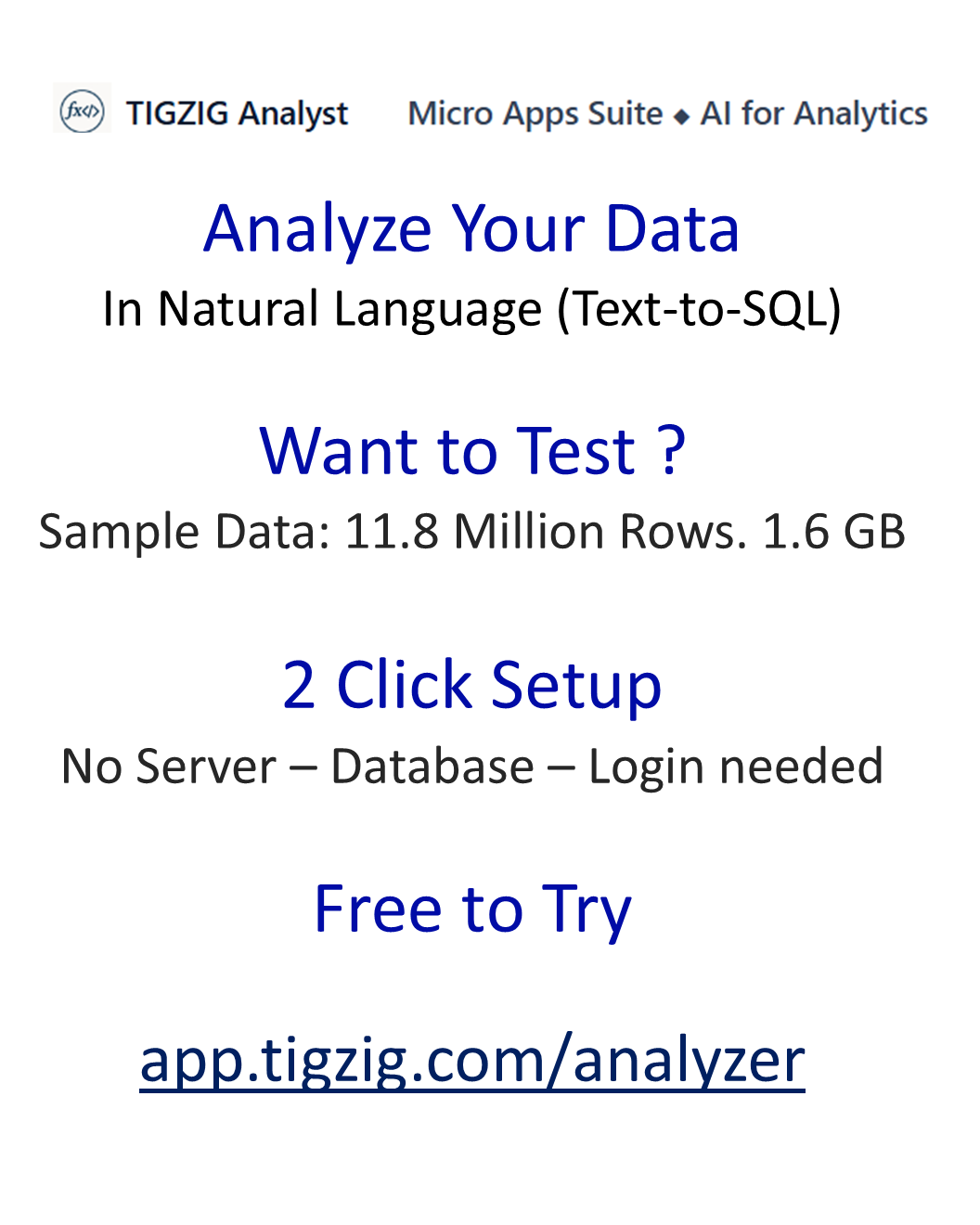
Analyze Your Data In Natural Language (Text-to-SQL)
Want to Test ?
Sample Data: 11.8 Million Rows. 1.6 GB
2 Click Setup
No Server – Database – Login needed
Free to Try
Step 1: Select Dataset
from 14KB to 1.6GB
From 64 rows to 11.8 M Rows
Step 2: Select Temp. DB
Step 3 : App Confirms Setup
Backend is neon.com — which provisions a Postgres database in less than a second via an API call.
Step 4: Request in regular English
Use the prompt provided or explore on your own
For complex queries ask AI to send request to Advanced Analyst
Step 5: Agent Shares Analysis
Step 6 : View Agent Reasoning
Step 7: Iterate
Iterate
Validate
Create Working Tables
Merge
Summarize
Export Table
Create PDF
Full Post
https://www.tigzig.com/post/try-text-to-sql-on-real-data-gb-files-multi-million-rows
Datasets: How to Explore
LLM Options: Costing & Pricing
Technical Note on File Uploads
What Else Can the App Do
Database Connections
Two Agents
Python Charts and Stats
File Uploads & Table Exports
PDF Output
Logs
Open Source / Links