Connect ChatGPT to Multiple Remote Databases
Published: October 12, 2025
(Supabase, Neon, Aiven, AWS... doesn't matter)
The Problem
Databases scattered across providers. Different engines. Different tables.
Users don't care. They just want an answer.
GPT needs to know where to go.
The Setup (my stack)
- FastAPI connector - takes SQL, routes to right DB, handles auth.
- Function calling schema - OpenAPI JSON so GPT knows where to send queries.
- YAML semantic layer - schema, sample rows, rules, golden queries.
- Custom instructions - routing rules + answer format.
How it Runs
- User asks.
- GPT picks DB + builds SQL.
- Query sent to FastAPI.
- FastAPI checks auth → DB runs query.
- DB → FastAPI → JSON → GPT replies.
Try It Live
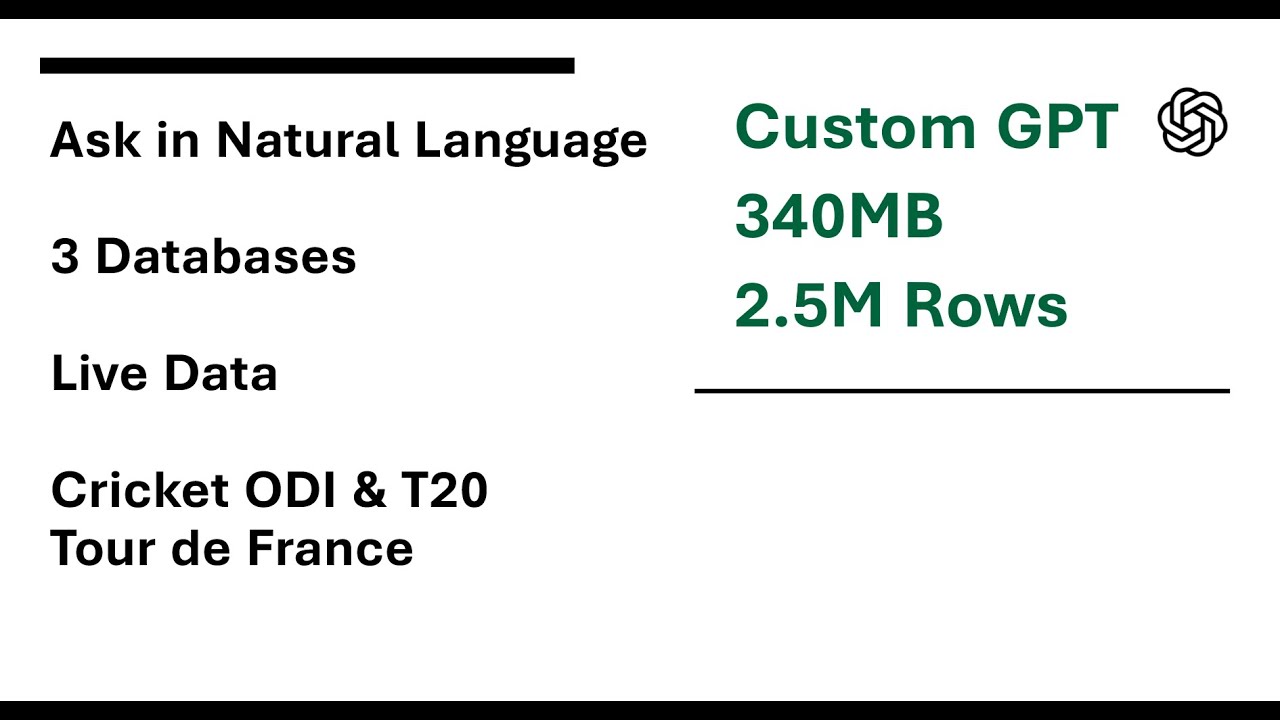
Works across Supabase (ODI cricket), Neon (T20 cricket), Aiven (Tour de France). Approx. 2.5M rows, 340MB data, 7.5k matches across past approx. 22 years + 122 years of Tour history.
Security
IT world has been doing it for decades - API keys, read-only roles, rate limits, role based access, row level security etc. Nothing new. Setup as per your requirements. GPT is just another frontend (OAuth enabled by the way)