Tool: A 1,450-line context file. Purpose: To ensure clean, efficient xlwings Lite code generation.
Published: July 6, 2025
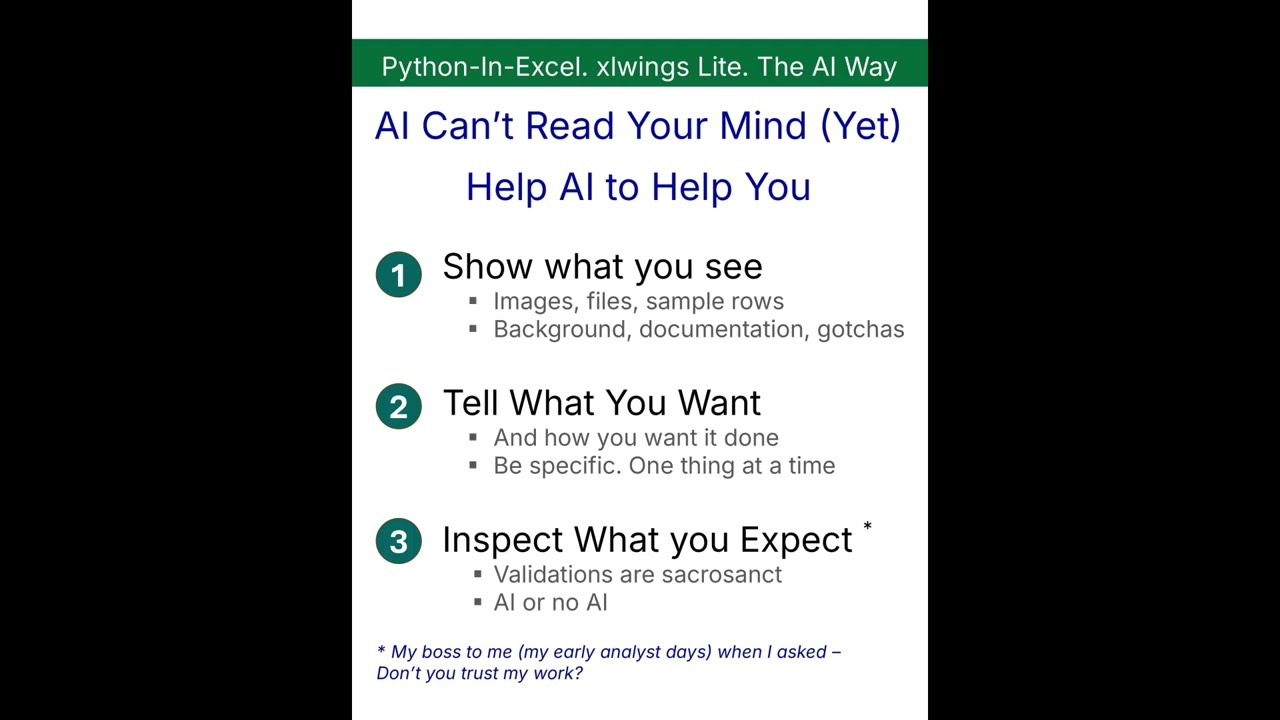
Without context, AI guesses. Built for my projects. Get it here.
Why?
I was getting lots of bugs in AI-generated code initially- requiring manual debugging, multiple iterations with AI, or constant reminders to the AI to take care of specific issues.
xlwings Lite is superb and AI knows classic xlwings inside out. But Lite launched after most AI models' training cutoff, so it was working blind on the specifics- plus a whole lot of best practices and code snippets I use for automation, analysis, formatting & transformations
The Context File
So I started to create a context file for my projects. In fact, it was scattered across Notepad, OneNote, and .py files. When I finally combined it, it was some 5K rows. Disorganized, conflicting instructions, a big mess. Let alone a human- even AI was getting confused
So I removed the redundancies and cleaned it up.
The final output: a curated file with 1,450 lines of tight, most relevant content.
- 5 Golden Rules to prevent the most common script failures
- 13 sections covering interface, limitations, API integration, security
- 6 advanced working examples – database connections, web scraping with LLM, AI schema detection, XGBoost model
- Complete what works / what doesn't reference
It takes care of details like:
- Always using the @script decorator
- Passing book parameters with @script
- Using Pyodide-compatible packages
- API endpoints to be CORS-enabled (or you'll error out)
- Removing row index from DataFrame before writing
- Adding 1 to all row/column references
It's an ongoing document.
How to use it
Download the file from the site and upload it to AI. Use Google's AI Studio with Gemini 2.5 Pro for this- huge context window, free, and the results are better than what I've seen from ChatGPT. If you're using Cursor, just copy it to your project directly and give it as context.
Where to get it:
The complete file is available at www.tigzig.com, in the xlwings Lite Practice Lab section. Both AI and Human versions. There is also a starter kit for Module-01 if you are just starting off with xlwings Lite. No prior coding experience necessary.
Help AI to help you.
This goes beyond xlwings Lite. When AI has context, it delivers. When it's blind, you're the one debugging. Simple as that.
xlwings Lite official site: lite.xlwings.org